Getting Started
Setting Up Your Compass Org
Step 1: Create your account
Sign up at dagstercompass.com/signup (opens in a new tab).
This creates your Compass organization and sets up your account. You'll use the same email you use for Slack so Compass can connect to your workspace.
Step 2: Connect your data
You can choose to explore with public datasets or connect your own data warehouse. See our supported data sources for the full list.
Not ready to connect your data? No problem - talk to an expert (opens in a new tab) and we'll help you get started.
When you connect your data, Compass will:
- Connect securely to your data warehouse with read-only access
- Automatically generate documentation for your tables and columns using database metadata like column descriptions - no semantic layer or upfront context curation required
- Create a dedicated Slack workspace for your organization to keep your data conversations secure
Step 3: Connect your messaging platform
During setup, you'll choose how to chat with Compass — via Slack or Microsoft Teams.
Option A: Slack
Check your email and accept the Slack Connect invite to join your Compass workspace.
Note: To accept Slack Connect invitations, you'll need the appropriate permissions in your Slack workspace. If you don't have access, your Slack admin may need to complete this step.
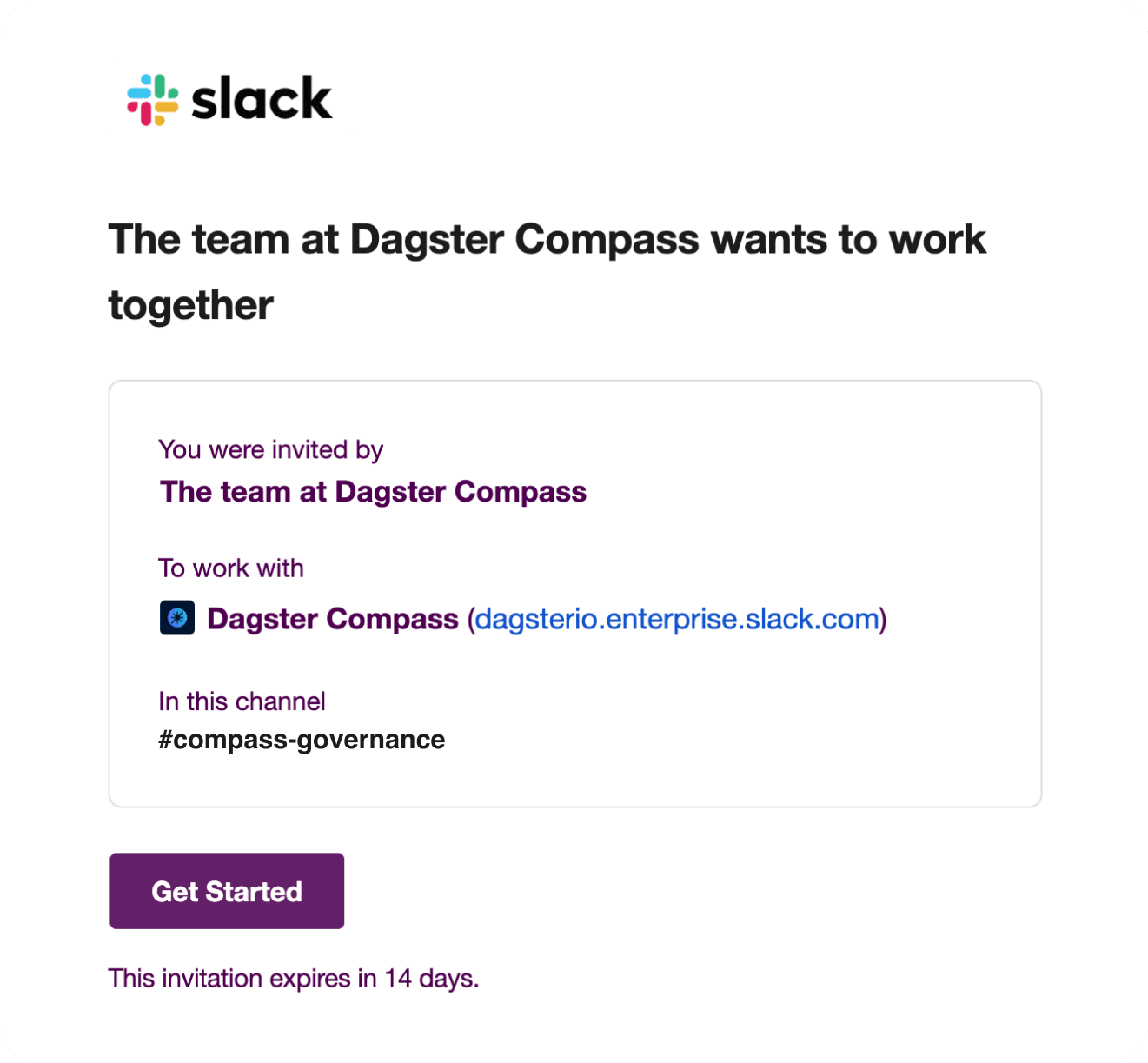
Once you accept, Compass will be ready for you in Slack.
Option B: Microsoft Teams
Download the Compass Teams app package and upload it to your Teams admin center. Once installed, add Compass to any channel, group chat, or personal chat.
The first time you message Compass in Teams, it will guide you through linking your Teams tenant to your Compass organization.
Ask Your First Question
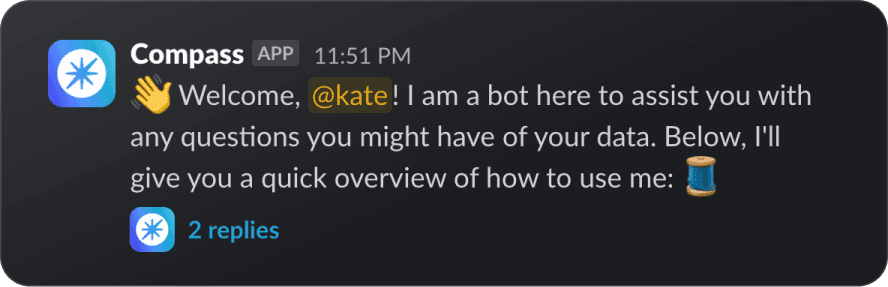
Mention @Compass in your Slack channel or Teams chat and ask a question like:
- "What data can you query?"
- "What are our top opportunities this quarter?"
- "I'm a sales leader, what data can you show me?"
- "I'm a product manager, how can this tool help me?"
💬 Tip: You can reply directly in the same thread to ask Compass follow-up questions. Compass remembers the context so you can dig deeper without starting over.
Collaborate in Compass

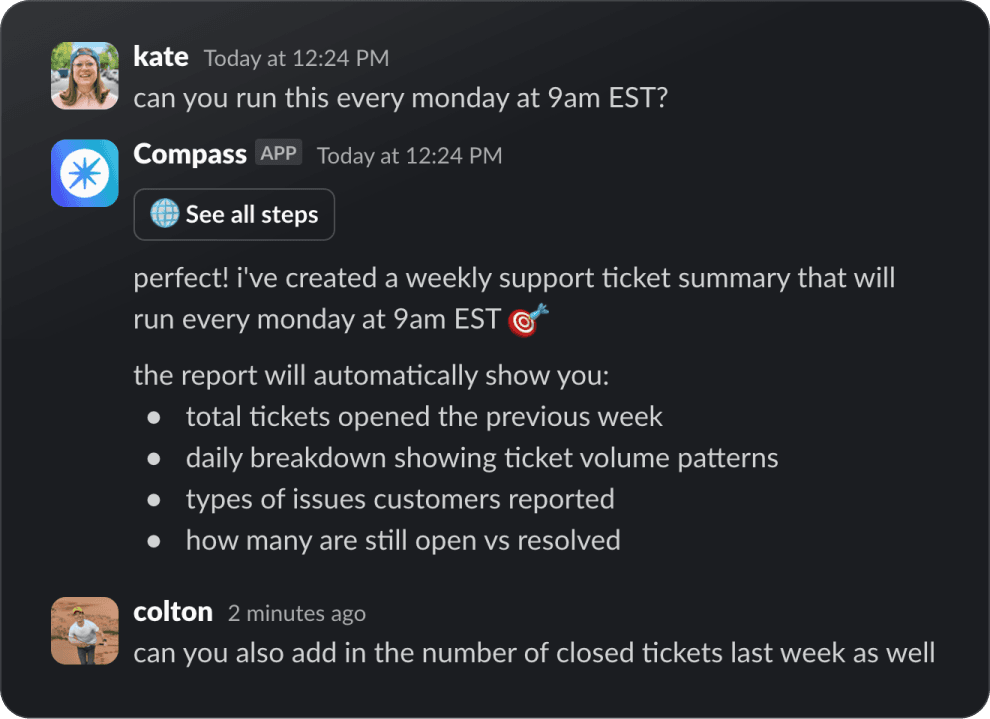
You can use Compass alongside your teammates in the same thread.
How it works:
- Someone asks a question in Slack or Teams.
- Another person can reply in the same thread with follow-ups.
Next Steps
- Data Sources - See all supported data warehouses and how to connect them
- Data Exploration - Learn how to create visualizations and recurring reports